
Secure your restaurant operations. granular Role-Based Access Control (RBAC) secures your venue data by granting specific permissions to Owners, Managers, Chefs, and Waiters, preventing unauthorized changes and protecting sensitive information.
A system security guide on defining user roles, setting granular permission levels, securing payment logs, and maintaining administrative hygiene.
- Define clear user roles: Owner, Manager, Chef, and Waiter.
- Assign granular permissions to limit access to billing and pricing.
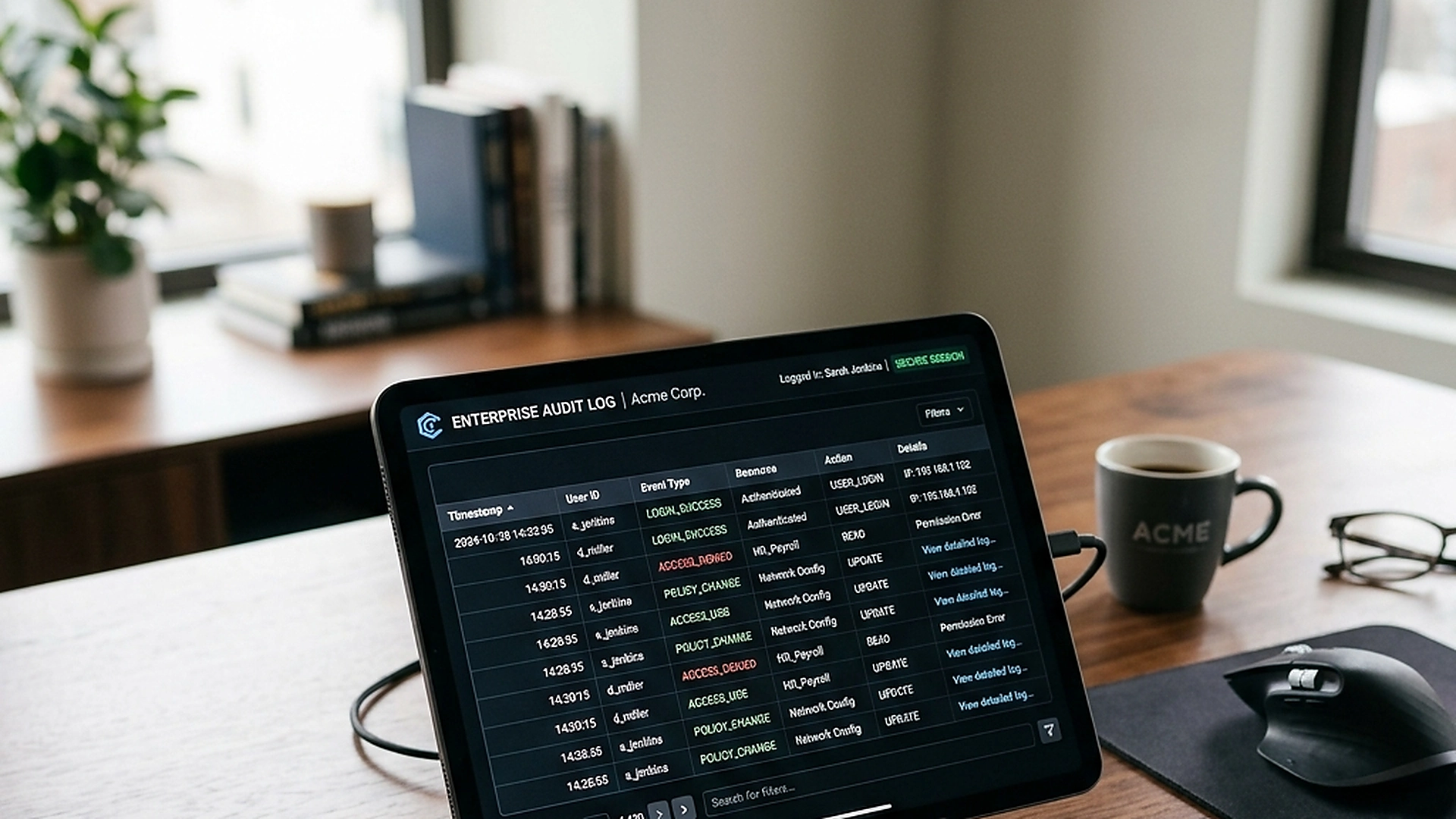
- Ensure administrative changes are logged for accountability.
- Protect guest contact records in compliance with privacy regulations.
1. The Operational Risks of Shared Administrative Accounts
In a busy restaurant group, multiple managers, chefs, and accountants often have access to the menu management dashboard. If a price is changed incorrectly, a dish is deleted, or a promotion is enabled by mistake, tracking down the error can cause arguments and operational delays.
An unmonitored dashboard is a operational vulnerability. Implementing a permanent, read-only audit log records every action, providing a clear history of changes and helping you resolve mistakes without finger-pointing.
2. Defining User Roles: Owners, Managers, Chefs, and Waiters
A secure RBAC system defines clear role levels. The Owner role has full control, including database configurations and billing settings. Managers can edit menu structures, adjust prices, and access performance reports.
Chefs have access to the KDS and item availability toggles, allowing them to manage stock without changing prices. Waiters can read table sessions, respond to pager alerts, and approve checkouts, keeping access focused and secure.
3. Granular Permissions and Limiting Billing Access
Sensitive financial data should be kept private. Waiters and chefs do not need to view monthly revenue reports or edit payout bank details.
The permission system allows you to lock financial fields, hiding billing summaries from operational staff. This data isolation protects business privacy and reduces the risk of unauthorized financial modifications.
4. Administrative Hygiene and Revoking Staff Access
Staff turnover is a common reality in hospitality. When an employee leaves, their access to your venue dashboard must be revoked immediately to protect data security.
The team management panel allows you to disable user accounts in two clicks. The system logs out all active sessions for that user instantly, ensuring they can no longer access database tables or view customer contact details.
5. Architectural Reliability and System Uptime
Maintaining high availability is fundamental for hospitality applications operating in real time. Redundant server infrastructure and edge replication ensure your digital menu stays active during high-volume dinner rushes without service dropouts.
6. Data Privacy, Encryption, and Security Controls
Protecting customer privacy and venue data is a core operational priority. End-to-end encryption, strict role-based permissions, and cookieless browsing standards safeguard your venue's analytics and guest interactions.
7. Measuring Long-Term Operational Impact
Evaluating long-term metrics enables continuous menu refinement. By tracking guest conversion rates, popular dish views, and average order values, venue managers can make data-driven improvements that boost revenue.
Frequently Asked Questions
Can we create custom roles for specific team requirements?
Yes. Premium plans allow you to define custom roles, such as assigning specific permissions for regional auditors or shift supervisors.
Does the RBAC system log login attempts?
Yes. The security logs track all login attempts, IP addresses, and active devices to identify and block unauthorized access attempts.
How do staff members log into the admin dashboard on the floor?
Staff use unique email addresses and passwords, or quick PIN codes on shared tablets to log in securely during their shift.
Final Takeaway
granularity controls protect your operations from mistakes and secure your business data. By defining clear roles and permissions, you build a secure, accountable workspace that allows your team to focus on their duties.