
Reduce kitchen noise and improve preparation accuracy. Precision Station-Based Kitchen Routing routes individual items to their corresponding preparation zones, ensuring cooks only see the tickets they need to prepare.
A detailed manual for hospitality operators looking to optimize menu efficiency, reduce staff friction, and drive higher margins using automated, time-based digital scheduling.
- Route food and beverage items to specific preparation screens or printers.
- Filter active ticket views so chefs only see station-relevant orders.
- Coordinate cook times dynamically so different stations finish dishes at the same time.
- Manage the pass centrally to compile split orders before table delivery.
1. The Operational Chaos of Shared Kitchen Printers
In many kitchens, all orders are printed on a single machine near the pass. The expeditor must read the ticket, shout out the items to different stations (e.g., "Two steaks for the grill, one salad for the cold station"), and manually coordinate prep times. This verbal communication is prone to errors and increases kitchen stress.
Station-based routing eliminates this bottleneck by splitting the order digitally. When a guest checkout is completed, the system routes items to their respective stations automatically. The grill cook sees the steaks, the pantry cook sees the salad, and the bar sees the drinks, creating immediate focus.
2. Configuring Granular Station Filters in the Admin Panel
To set up digital routing, you associate categories or individual items with specific kitchen stations (e.g., "Grill", "Pastry", "Bar", "Cold Kitchen"). Stations can be assigned to different screens, printers, or central displays.
This configuration allows for flexible setups: a small cafe can route all items to a single screen, while a large restaurant group can split routing across multiple hot line stations and secondary bars, adapting to your operational size.
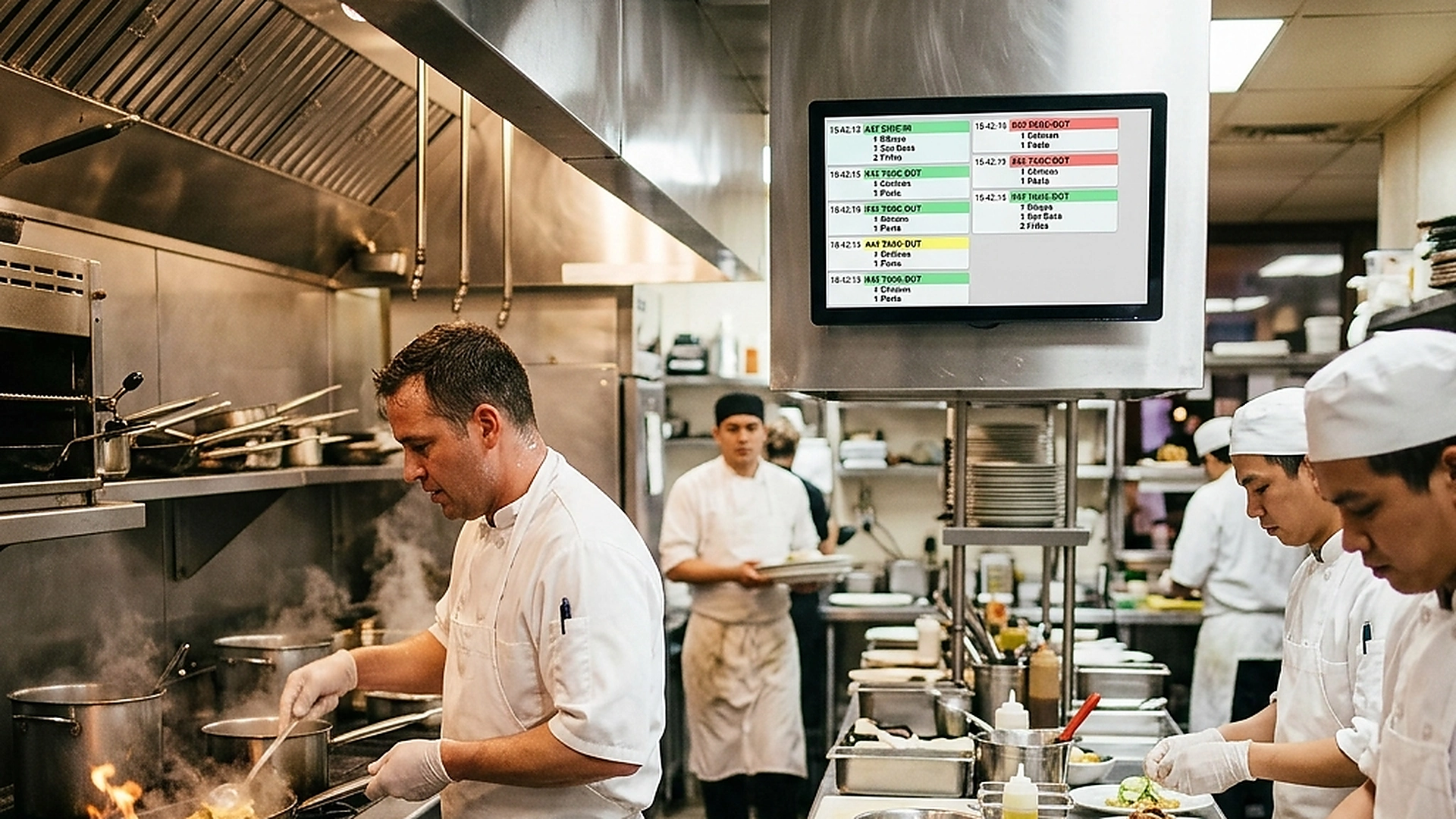
3. Dynamic Prep Coordination and Cook Time Alignment
A major culinary challenge is ensuring that all dishes for a table are ready at the same time. If a steak takes twelve minutes to cook and a salad takes three, starting them together means the salad sits under the heat lamp, losing quality.
Advanced routing engines calculate prep times dynamically. The system displays items on the respective screens with coordinated start times: the steak cook gets the alert immediately, while the salad station is pinged nine minutes later, ensuring both dishes arrive fresh at the pass.
4. Managing the Pass: Compiling Split Tickets
Once individual stations complete their items, they must be compiled at the expeditor station (the pass) before being carried to the table. The expeditor needs a clear overview of the complete table order.
The KDS pass screen displays consolidated table tickets, showing which stations have finished their preparation and which items are still pending. Once all parts are checked off, the system alerts the runners for delivery.
5. Architectural Reliability and System Uptime
Maintaining high availability is fundamental for hospitality applications operating in real time. Redundant server infrastructure and edge replication ensure your digital menu stays active during high-volume dinner rushes without service dropouts.
6. Data Privacy, Encryption, and Security Controls
Protecting customer privacy and venue data is a core operational priority. End-to-end encryption, strict role-based permissions, and cookieless browsing standards safeguard your venue's analytics and guest interactions.
7. Measuring Long-Term Operational Impact
Evaluating long-term metrics enables continuous menu refinement. By tracking guest conversion rates, popular dish views, and average order values, venue managers can make data-driven improvements that boost revenue.
Frequently Asked Questions
What happens if a dish requires prep across two stations?
The system can route the ticket to both screens in sequence, alerting the secondary station (e.g., plating) once the primary station (e.g., grilling) bumps their step.
Can we route orders to physical ticket printers and KDS screens simultaneously?
Yes. The routing engine supports hybrid setups, allowing you to use digital screens for cooks and print physical paper tickets for food runners.
How do you handle drink orders that need to be served before starters?
Beverage categories can be configured with high-priority routing rules that bypass course timing, alerting the bar station immediately upon checkout.
Final Takeaway
Precision kitchen routing brings organization and peace of mind to high-volume dining. By directing tickets exactly where they belong and coordinating preparation times, you improve food quality and speed up table service.