
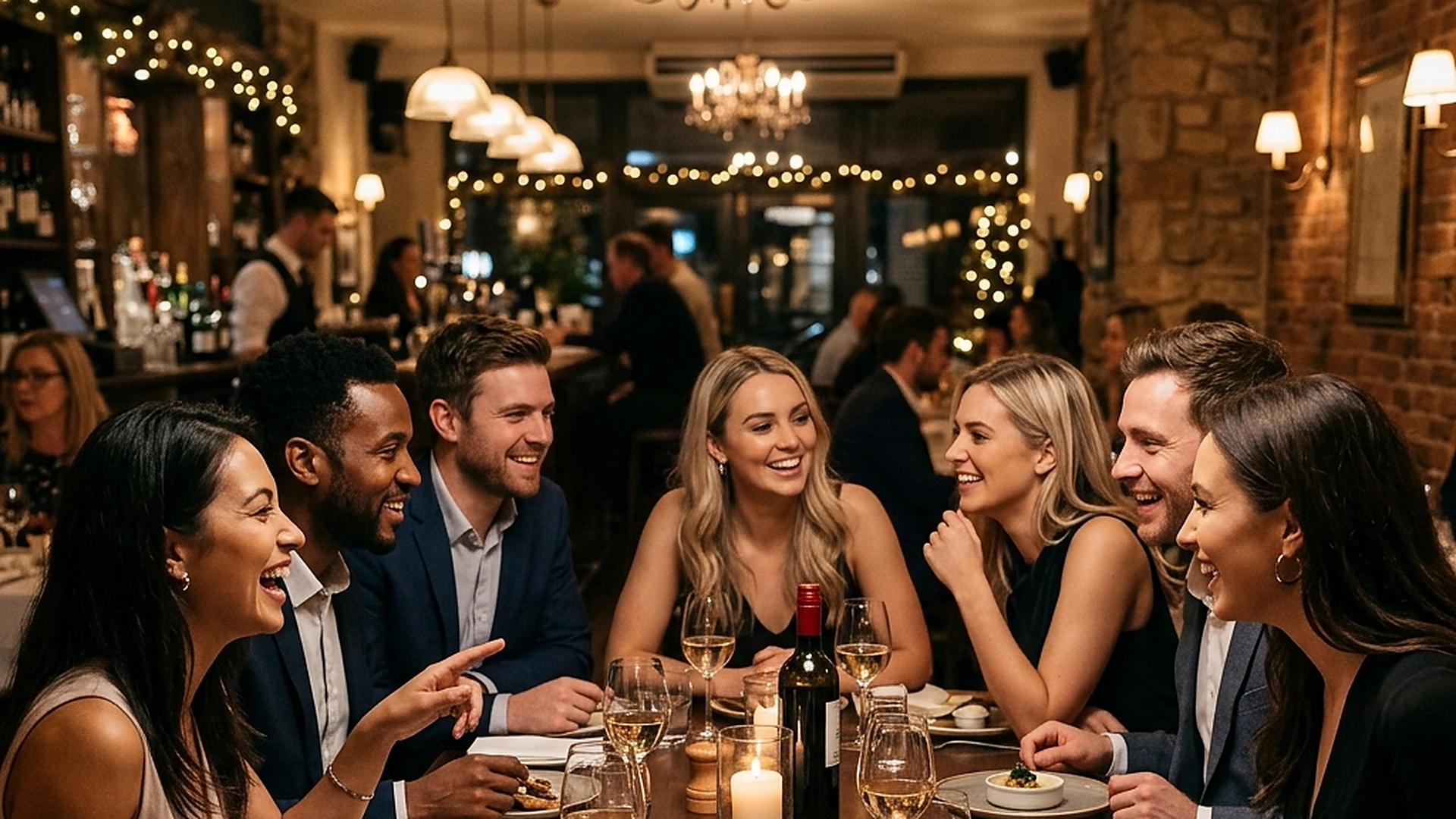
Dining is a social experience. Shared Table Sessions use realtime state synchronization to allow multiple guests at the same table to browse the menu, add items to a single shared cart, and track their order progress together.
A deep technical guide on building collaborative cart systems, managing network sync conflicts, and delivering unified multi-device ordering.
- Sync cart state across multiple mobile devices instantly using realtime database channels.
- Prevent duplicate item entries using client-side optimistic updates and conflict resolution.
- Show active table members using subtle avatar indicators on the menu screen.
- Enable seamless split-billing and shared payment options during checkout.
1. The Collaborative Dining Experience vs. Single-User Carts
In traditional digital ordering, each guest scans the QR code and builds their own separate cart. When it comes time to submit the order, the waiter receives multiple disconnected tickets for the same table, leading to timing issues in the kitchen and table delivery confusion.
Shared Table Sessions solve this problem by uniting all guests at a table into a single dynamic order pool. When one guest adds a soda, every other phone at the table updates instantly. This collaborative approach makes group dining fun, reduces order errors, and keeps the table organized.
2. Architecting Realtime Carts with Supabase Channels
Building a synced cart system requires a high-performance websocket connections layer. TableGreet uses Supabase Realtime Channels to broadcast state modifications to all active table sessions.
When a guest adds or removes an item, a light JSON payload is sent to the server. The channel broadcasts this change to all listeners registered to the table ID, updating local React state variables in milliseconds. This real-time response creates a sense of shared presence.
3. Resolving Cart State and Network Latency Conflicts
In a collaborative environment, two guests might try to edit the same item at the same time (e.g., both increasing the quantity of french fries). If not handled properly, this can cause data overwrites or incorrect pricing calculations.
To prevent conflicts, the system implements a strict optimistic state update workflow. Changes are validated against the server's master state, using transaction keys to handle concurrent edits. If an edit is rejected, the UI rolls back smoothly, prompting the guest with the current status.
4. Designing Social UI Elements and Avatar indicators
A shared cart must be accompanied by clear visual indicators showing who is participating. If guests cannot see that their friends are connected, they might hesitate to add items, fearing the system is not working.
Place small, colored avatar icons at the top of the menu screen displaying the initials of connected guests. When a guest adds an item, show a temporary, non-intrusive notification (e.g., "Sarah added Calamari"). This subtle social feedback makes the ordering process engaging.
5. Architectural Reliability and System Uptime
Maintaining high availability is fundamental for hospitality applications operating in real time. Redundant server infrastructure and edge replication ensure your digital menu stays active during high-volume dinner rushes without service dropouts.
6. Data Privacy, Encryption, and Security Controls
Protecting customer privacy and venue data is a core operational priority. End-to-end encryption, strict role-based permissions, and cookieless browsing standards safeguard your venue's analytics and guest interactions.
7. Measuring Long-Term Operational Impact
Evaluating long-term metrics enables continuous menu refinement. By tracking guest conversion rates, popular dish views, and average order values, venue managers can make data-driven improvements that boost revenue.
Frequently Asked Questions
What happens if a guest loses internet connection mid-session?
The app maintains a local cache of the cart and attempts to reconnect. If connection fails, the guest is alerted that their local edits are pending sync with the table.
Can guests check out individually in a shared session?
Yes. The checkout system allows guests to select which items they want to pay for, splitting the shared cart total transparently before final payment.
How do you prevent malicious users from joining a table cart?
Table sessions are protected by short-lived authorization tokens linked directly to the table's specific QR code, preventing remote entry from outside the venue.
Final Takeaway
Bringing real-time collaboration to the dining table aligns digital menus with the social reality of eating. By keeping everyone in sync, you remove order friction, speed up kitchen service, and deliver a modern dining experience.