
Stop managing your restaurant menus manually throughout the day. Service Hours and Daypart Management allow you to define dynamic periods like Breakfast, Lunch, Happy Hour, and Late Night, automatically switching category visibility and pricing to match guest expectations without waiter intervention.
A detailed manual for hospitality operators looking to optimize menu efficiency, reduce staff friction, and drive higher margins using automated, time-based digital scheduling.
- Automate your shift transitions to eliminate manual menu swaps and printing costs.
- Highlight high-margin daypart bundles like morning pastries or late-night cocktails dynamically.
- Optimize kitchen prep by filtering active categories based on station capacity.
- Integrate pricing rules that adjust automatically during happy hour windows.
1. Understanding the Economics of Dayparting in Gastronomy
Dayparting is the practice of dividing the business day into distinct segments—such as breakfast, lunch, tea time, dinner, and late night—and tailoring the product offering to match the unique consumer behaviors of each segment. In a physical restaurant, this historically meant staff running around swapping printed menu boards, resulting in high printing costs and administrative mistakes. A digital scheduling engine automates this entire process.
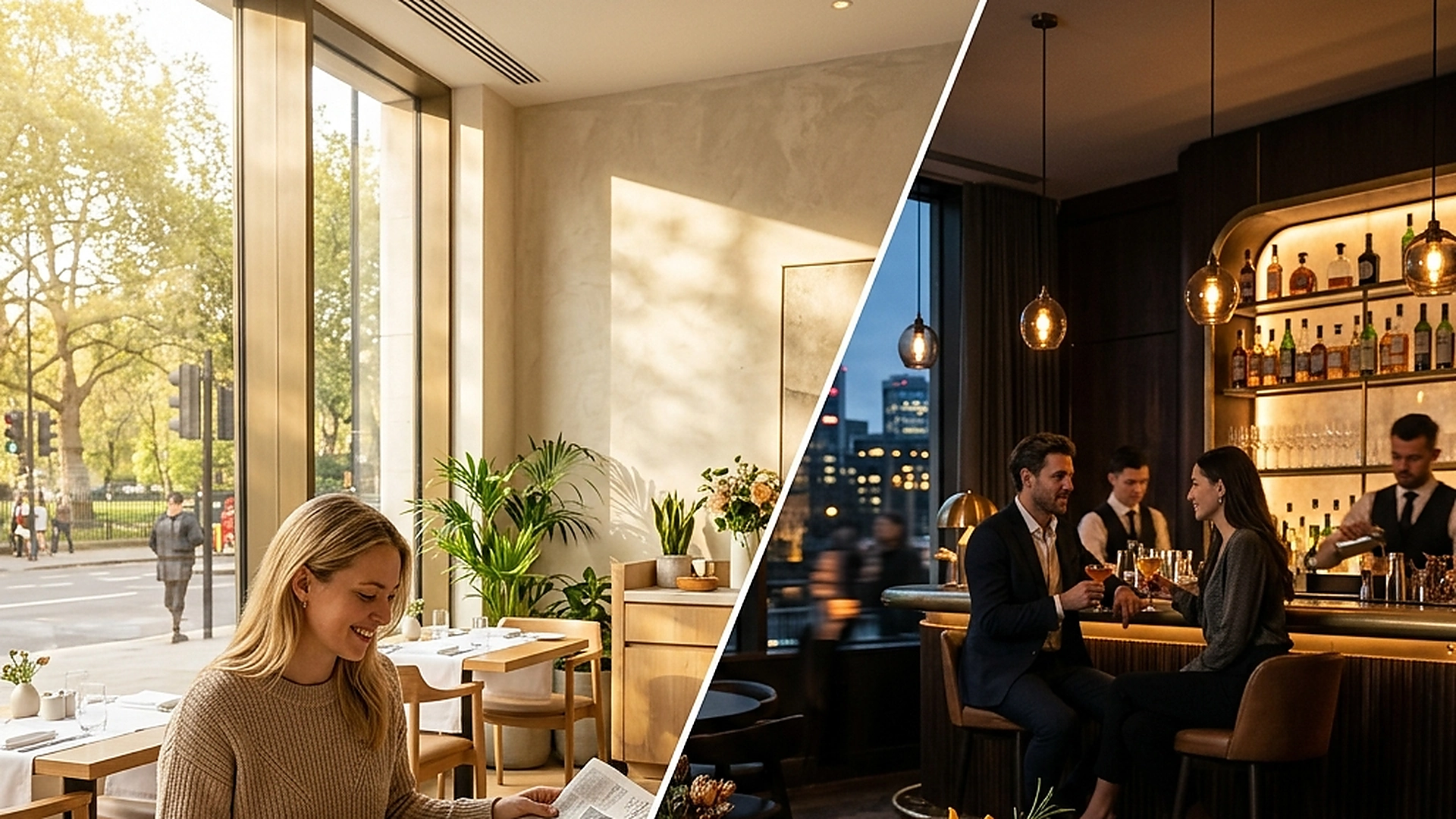
By leveraging digital dayparts, a venue can present high-margin breakfast items at 7 AM, seamlessly transition to corporate lunch specials at noon, surface happy hour discount drinks at 5 PM, and present premium chef dinners at 8 PM. This scheduling alignment ensures the guest is always shown the most relevant, context-appropriate menu, increasing average spend and reducing checkout friction.
2. Building Time-Based Menu Triggers and Category Controls
To set up an automated daypart menu, you must first define clear schedule boundaries in your admin dashboard. These boundaries associate specific categories (like "Espresso & Pastries") with targeted time windows (e.g., 6:00 AM to 11:30 AM). Once configured, the digital menu engine dynamically filters the active catalog based on the server time of the guest's scan.
This scheduling logic should also support override rules for holidays, private events, or seasonal weather conditions. For example, if a heatwave is forecast, a cafe manager can instantly activate a "Cold Brew Special" category ahead of its normal schedule, demonstrating operational agility and maximizing revenue.
3. Optimizing Waiter Workflows and Kitchen Prep Coordination
Dynamic scheduling does not just benefit the guest; it also creates a calmer, more organized workflow for your kitchen and service staff. In traditional dining setups, waiters often receive orders for items that have already stopped serving, leading to awkward table explanations and refunds. When categories disappear automatically, these communication failures are eliminated.
Furthermore, the kitchen can prepare its line stations according to the active daypart. The breakfast prep team knows exactly when their window ends, allowing them to clean and hand off the station to the lunch crew without overlapping tickets or order bottlenecks.
4. Dynamic Pricing Strategies for Happy Hour and Off-Peak Windows
Adjusting prices based on dayparts is a proven way to drive traffic during slow periods. By scheduling temporary price drops or special combo pricing to active during off-peak hours (like 3 PM to 5 PM), you can attract remote workers, students, and early diners without devaluing your core dinner pricing.
A modern digital menu handles these price transitions silently. When a guest views the menu during Happy Hour, the discounted price is shown as the primary rate, with the original price struck through to emphasize the value. At 6 PM, the menu automatically reverts to standard rates, protecting your dinner margins.
5. Managing Seasonal & Special Event Overrides
Seasonal events, local festivals, and holidays require flexible scheduling rules that override regular daily dayparts. Venue managers can configure temporary override windows that launch custom holiday menus automatically without deleting standard weekday setups.
These rules allow hospitality groups to run limited-time promotional menus—such as New Year's Eve gala courses or Valentine's Day pairings—while preserving all recurring shifts for regular business days.
6. Multi-Location Shift Synchronization & Regional Variations
For hospitality brands operating multiple locations across different cities, service hours may vary depending on local foot traffic and operating permits. Multi-location management tools let HQ set global daypart templates while granting individual branch managers control over local shift timing.
This dual governance model ensures corporate brand consistency while accommodating local market requirements, such as extended weekend evening hours in tourist districts.
7. Analyzing Daypart Revenue Conversion & Staff Efficiency
Evaluating shift metrics allows operators to continuously refine their daypart timing. By comparing guest scan volume, average ticket values, and prep times across morning, afternoon, and evening shifts, managers can spot underperforming hours and test targeted pricing shifts.
Integrating daypart data into front-of-house operational schedules ensures kitchen staff levels match actual peak demand, eliminating idle shifts and lowering payroll overhead.
Frequently Asked Questions
What happens to a guest cart if the daypart changes mid-order?
The digital checkout should validate item availability at the moment of submission, alerting the guest if an item is no longer available and suggesting a daypart-appropriate alternative.
Can we schedule different menus for weekends and weekdays?
Yes. A professional daypart system supports day-of-week scheduling, allowing you to run a specialized brunch menu on Saturdays and Sundays while maintaining standard menus on weekdays.
Does daypart scheduling work for takeaway and delivery channels?
Absolutely. Daypart rules apply globally across all digital channels, ensuring that online ordering customers see the exact same availability as dine-in guests.
Final Takeaway
Automating your menu scheduling turns a static catalog into an active, responsive sales tool. By presenting the right dish at the right time, you protect your kitchen capacity, improve staff efficiency, and maximize profitability across every hour of the business day.