
Hungry guests have zero patience. Implementing instantaneous, client-side menu search and allergen filtering reduces bounce rates, improves ordering accuracy, and elevates the dining experience for guests with dietary restrictions.
A UX-first study on building lightning-fast search interfaces and robust dietary filtering systems that function seamlessly on mobile devices.
- Use client-side state filtering to deliver search results with zero network latency.
- Implement fuzzy matching to handle typos and spelling variations of menu items.
- Highlight allergen indicators clearly on both search cards and item detail pages.
- Design clean empty states that recommend alternative dishes when search results are empty.
1. The Psychology of Speed in Mobile Menu UX
When a guest opens a digital menu, their motivation is immediate: they want to find food. If the menu interface requires them to wait for a page load every time they search for a dish or click a category tab, their frustration rises. A slow search interface can cause guests to abandon the digital menu entirely and demand a physical one.
To prevent this, the search engine must operate instantly. By loading the menu catalog data into memory on initial load, search queries can run entirely on the client side, delivering results as the user types. This zero-latency performance mimics a native mobile application, creating a smooth and pleasant experience.
2. Fuzzy Matching and Handling Typos in Food Searches
Guests scanning menus are often distracted, typing with one hand, or unfamiliar with local culinary spellings. If a guest searches for "tagin" and your menu only matches the exact word "tagine", they will receive an empty result, concluding that you do not serve it.
Implementing fuzzy matching algorithms solves this problem. The search query analyzes spelling similarity, matching close variations and typos. This ensures that guests find what they are looking for, protecting your sales and reducing staff confusion.
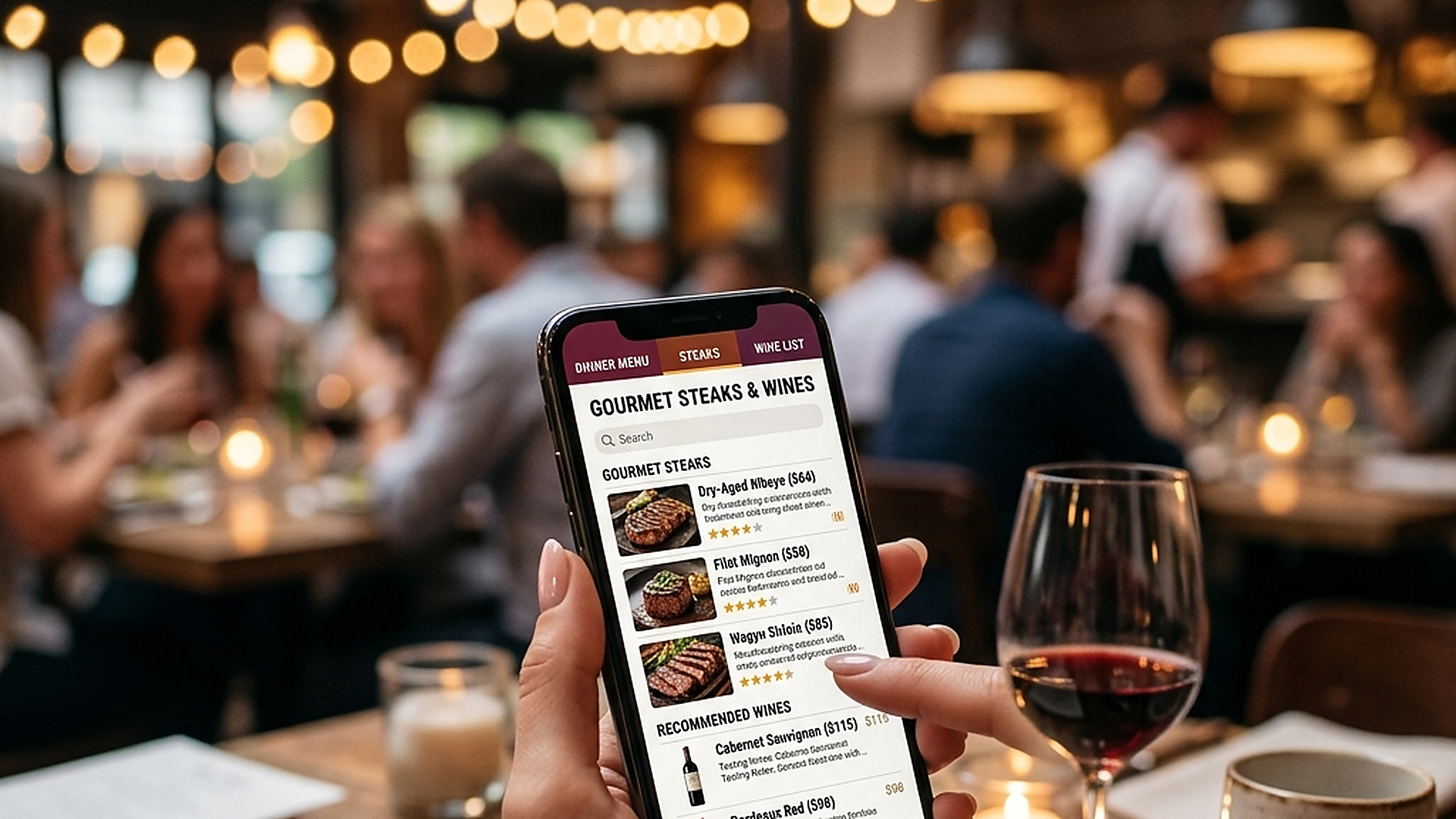
3. Building Inclusive Dietary and Allergen Filters
Modern dining is characterized by diverse dietary requirements. Guests with celiac disease, nut allergies, or vegan diets face high levels of anxiety when dining out. A digital menu should act as a tool of confidence.
Instead of forcing guests to read through small text, provide high-visibility filter buttons (e.g., "Gluten-Free", "Vegetarian", "Nut-Free"). When selected, the menu should instantly update, hiding unsafe dishes and highlighting safe options, allowing guests with restrictions to order safely.
4. Designing Helpful Empty States and Alternates
Even with excellent search systems, a guest might search for something you do not stock (e.g., "sushi" at a traditional Italian trattoria). An empty, boring "No results found" screen is a dead end. Use empty states to guide the guest to alternatives.
When a search returns zero results, display a friendly message suggesting popular categories, chef recommendations, or similar dishes. This keeps the guest engaged and prevents them from exiting the ordering flow.
5. Architectural Reliability and System Uptime
Maintaining high availability is fundamental for hospitality applications operating in real time. Redundant server infrastructure and edge replication ensure your digital menu stays active during high-volume dinner rushes without service dropouts.
6. Data Privacy, Encryption, and Security Controls
Protecting customer privacy and venue data is a core operational priority. End-to-end encryption, strict role-based permissions, and cookieless browsing standards safeguard your venue's analytics and guest interactions.
7. Measuring Long-Term Operational Impact
Evaluating long-term metrics enables continuous menu refinement. By tracking guest conversion rates, popular dish views, and average order values, venue managers can make data-driven improvements that boost revenue.
Frequently Asked Questions
Does client-side search consume a lot of mobile data?
No. The entire text catalog of a large menu is typically less than 150KB, which loads in milliseconds and consumes less data than loading a single high-resolution image.
How do you handle search index updates when an item goes out of stock?
When a manager toggles an item status to out-of-stock, the update is broadcasted via realtime channels, instantly removing the item from client-side search index files.
Should we index ingredient lists for search, or only dish titles?
Both. Guests often search by ingredient (e.g., "salmon" or "truffle") rather than the exact name of the dish, so indexing ingredients makes discovery much easier.
Final Takeaway
Frictionless search and filtering turn a static list of food into a personalized dining assistant. By respecting your guests' time and dietary needs, you create a safer, faster, and more profitable service environment.