
Manage guest expectations and reduce service friction. Utilizing Real-Time Operational Status Banners allows you to communicate kitchen load and prep-time estimates dynamically, preventing negative reviews and improving table transparency.
A communication study on utilizing status banners, calculating preparation wait times, and building trust through operational transparency.
- Display dynamic prep-time estimates based on active kitchen load.
- Alert guests to service delays using prominent, non-intrusive status banners.
- Manage expectations before ordering to reduce guest frustration.
- Build trust by sharing kitchen capacity updates transparently.
1. The Challenge of Unmanaged Wait Times in Restaurants
One of the main reasons for negative guest reviews is long, unexpected wait times for food. If a kitchen is overwhelmed during a busy Saturday rush, and guests are not informed that their order might take forty minutes, they will feel ignored and frustrated.
Managing expectations before ordering prevents this frustration. By sharing prep-time estimates transparently, you help guests plan their meal and feel more patient, protecting your brand reputation.
2. Dynamic Calculation of Kitchen Load Status
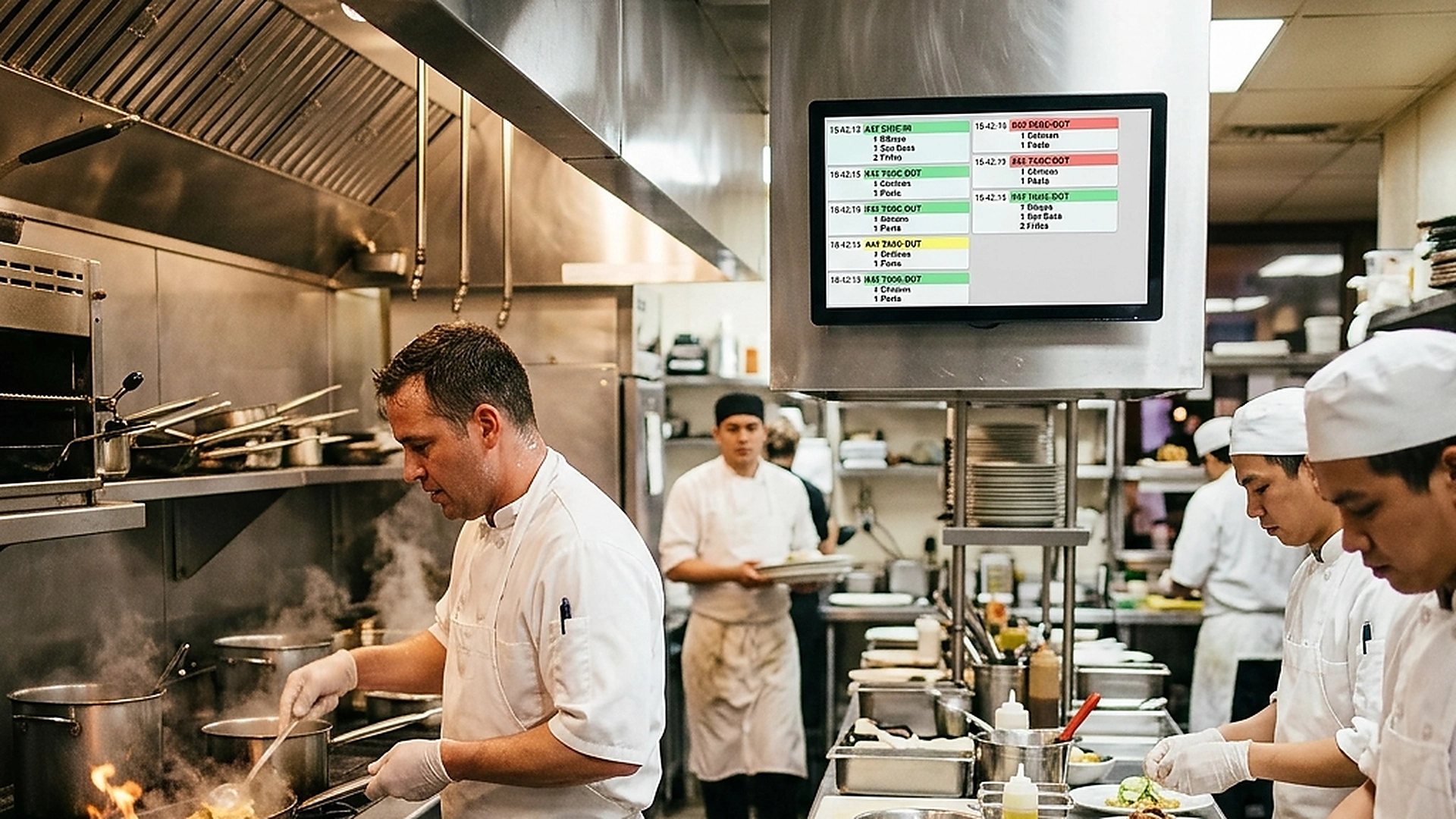
Preparation wait times should be based on real data rather than guesses. The system calculates kitchen load by analyzing the number of active tickets on the KDS and the average preparation speed.
When the queue is small, the status displays "Kitchen Pace: Fast (10-15 min)". As tickets accumulate, the estimate updates automatically, showing "Kitchen Pace: High Demand (25-30 min)", keeping the menu information accurate.
3. Designing Clear, Non-Intrusive Banner Overlays
Operational alerts should be easy to spot but should not block the guest's view of the menu. Use slim, colored banners at the top of the interface.
Apply color coding to match the alert severity: a calm blue for normal prep times, a warm yellow for busy shifts, and a gentle orange for peak delays. This visual styling guides guests without creating alarm or cluttering the page.
4. Building Long-Term Trust Through Transparency
Sharing your operating challenges might feel risky, but guests appreciate honesty. A venue that values their time enough to alert them of delays builds stronger loyalty than one that hides delays until the order is placed.
This transparency improves the relationship between the dining room and the kitchen. Guests who understand that the kitchen is busy are more likely to order appetizers or drinks while they wait, turning a delay into a sales opportunity.
5. Architectural Reliability and System Uptime
Maintaining high availability is fundamental for hospitality applications operating in real time. Redundant server infrastructure and edge replication ensure your digital menu stays active during high-volume dinner rushes without service dropouts.
6. Data Privacy, Encryption, and Security Controls
Protecting customer privacy and venue data is a core operational priority. End-to-end encryption, strict role-based permissions, and cookieless browsing standards safeguard your venue's analytics and guest interactions.
7. Measuring Long-Term Operational Impact
Evaluating long-term metrics enables continuous menu refinement. By tracking guest conversion rates, popular dish views, and average order values, venue managers can make data-driven improvements that boost revenue.
Frequently Asked Questions
Can managers override the automated kitchen load calculation?
Yes. Managers can set manual prep-time estimates in the admin panel to prepare for large groups or unexpected kitchen events.
Does the banner show on all pages of the menu?
The banner should be visible on the main menu view and the checkout page, ensuring guests see the timing before submitting their order.
Can we display custom messages on the status banner?
Yes. You can write custom messages, such as alerting guests to private events or welcoming them to holiday weekend shifts.
Final Takeaway
Status banners align guest expectations with kitchen reality. By sharing prep-time estimates openly, you remove service surprises, protect your brand reviews, and build a more trusting relationship with your diners.