
A QR code is only useful if guests scan it. Setting up a professional QR strategy requires more than just generating a basic black-and-white grid; it requires high-resolution print exports, customized frames, and 3D visualizers.
A technical and design guide on exporting 300 DPI vectors, utilizing 3D mockups, and optimizing physical placement to maximize scans.
- Export high-resolution 300 DPI vector files (SVG/PDF) for professional printing.
- Use 3D mockups to preview how the QR code stands will look on your tables.
- Incorporate clear call-to-actions (e.g., "Scan to View Menu") directly into the frame.
- Optimize contrast and size to ensure fast camera focus under low-light conditions.
1. Why Low-Resolution QR Generates Scanning Failures
Many restaurants download low-resolution PNG files from free online generators and print them onto stickers. When placed on tables, these codes look pixelated, blurry, or fail to scan, especially under the romantic, low-light conditions of dinner service.
To ensure instant camera recognition, you must use high-resolution vector exports (SVG or PDF) at 300 DPI. Vectors remain perfectly sharp at any print size, allowing mobile cameras to focus and resolve the data points in milliseconds.
2. Utilizing 3D Mockups to Match Table Aesthetics
Before committing to a print run of hundreds of table stands, you want to make sure the physical stands match your restaurant's interior design. A 3D mockup visualizer helps you preview the final product.
Upload your branding, choose from different materials (wood, leather, acrylic), and view a realistic 3D render of the stands on a virtual table. This design review prevents costly errors and ensures the stands look premium.
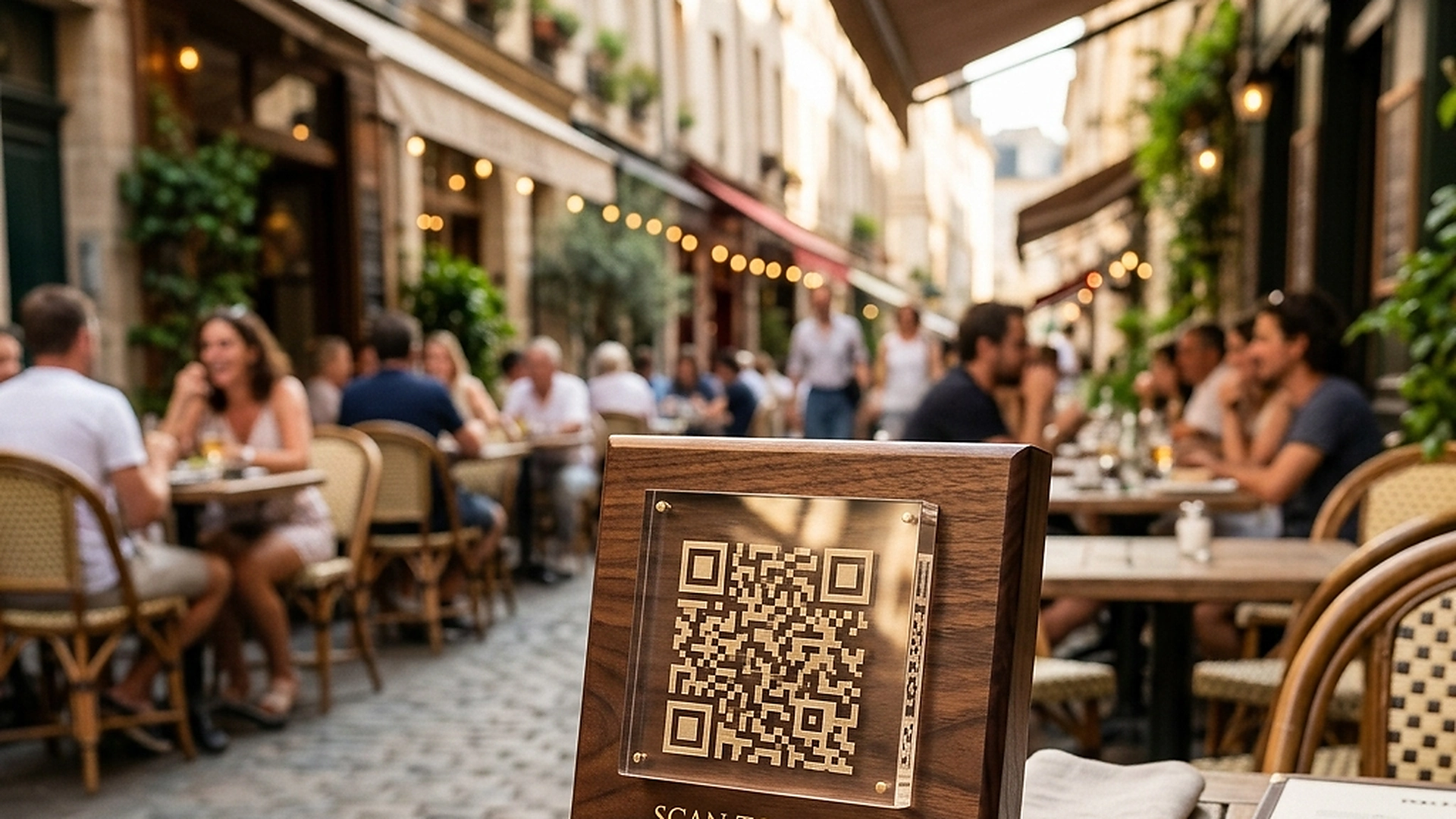
3. Designing High-Converting QR Frames and Call-to-Actions
A naked QR code floating on a table looks like an afterthought. Guests need clear instructions explaining what the code does and why they should scan it.
Surround the code with a branded frame that includes a compelling call-to-action (e.g., "Scan to Order & Pay" or "View Menu in your Language"). This simple addition guides guests, increases scan rates, and reduces waiter questions.
4. Optimizing Contrast, Quiet Zones, and Scan Durability
Physical durability is a key part of your digital menu setup. If table markers get scratched, dirty, or faded by the sun, they will stop scanning, frustrating guests and waiters.
Ensure the QR print maintains high contrast against its background and includes an appropriate quiet zone (the white border surrounding the grid). Use weather-resistant materials and inspect the codes regularly for wear.
5. Architectural Reliability and System Uptime
Maintaining high availability is fundamental for hospitality applications operating in real time. Redundant server infrastructure and edge replication ensure your digital menu stays active during high-volume dinner rushes without service dropouts.
6. Data Privacy, Encryption, and Security Controls
Protecting customer privacy and venue data is a core operational priority. End-to-end encryption, strict role-based permissions, and cookieless browsing standards safeguard your venue's analytics and guest interactions.
7. Measuring Long-Term Operational Impact
Evaluating long-term metrics enables continuous menu refinement. By tracking guest conversion rates, popular dish views, and average order values, venue managers can make data-driven improvements that boost revenue.
Frequently Asked Questions
What is the minimum recommended print size for table QR codes?
The QR code itself should be at least 2cm x 2cm to ensure standard mobile phone cameras can focus and scan it from a comfortable sitting distance.
Can we change the destination link of a QR code after it is printed?
Yes. The QR codes use dynamic redirection links, allowing you to update your menu slug or domain without ever needing to reprint physical stands.
Should we print glossy or matte finishes for table stands?
Always choose a matte finish. Glossy finishes reflect overhead lights and sunlight, creating glare that blocks camera sensors from reading the code.
Final Takeaway
A professional QR setup is the bridge between your physical dining room and your digital menu. By focusing on print quality, design framing, and durability, you guarantee a smooth start to your guests' dining experience.