
Prevent guest disappointment before it happens. A 3-Way Stock Control System allows you to manage item availability in real-time across the guest menu, wait staff, and the kitchen, ensuring out-of-stock items disappear instantly.
A deep operational dive into database stock logic, kitchen-to-menu synchronization, and preventing order cancellations through real-time inventory governance.
- Synchronize stock status across guests, waiters, and kitchen displays instantly.
- Use the 3-Way control: Kitchen (Prep), POS (Inventory), and Admin (Toggles).
- Toggle out-of-stock items in two taps from the admin dashboard.
- Reduce guest disappointment and refund administration by preventing invalid orders.
1. The Cost of Out-of-Stock Disappointments in Gastronomy
One of the most frustrating experiences for a guest is selecting a dish, waiting to order, and being told by the waiter that the kitchen has run out of it. In digital ordering, this frustration is amplified if the guest is allowed to add the item, complete checkout, and pay, only to receive a refund minutes later.
To protect your reputation, inventory must be updated in real-time. If an ingredient runs out, the dish must disappear from the guest view immediately. This proactive control protects the guest experience and saves your staff from handling refunds.
2. Implementing the 3-Way Stock Control Framework
A robust inventory system relies on three separate checkpoints: the kitchen (tracking raw prep availability), the admin dashboard (granularity controls), and the guest menu (dynamic visibility). We call this the 3-Way Stock Control Framework.
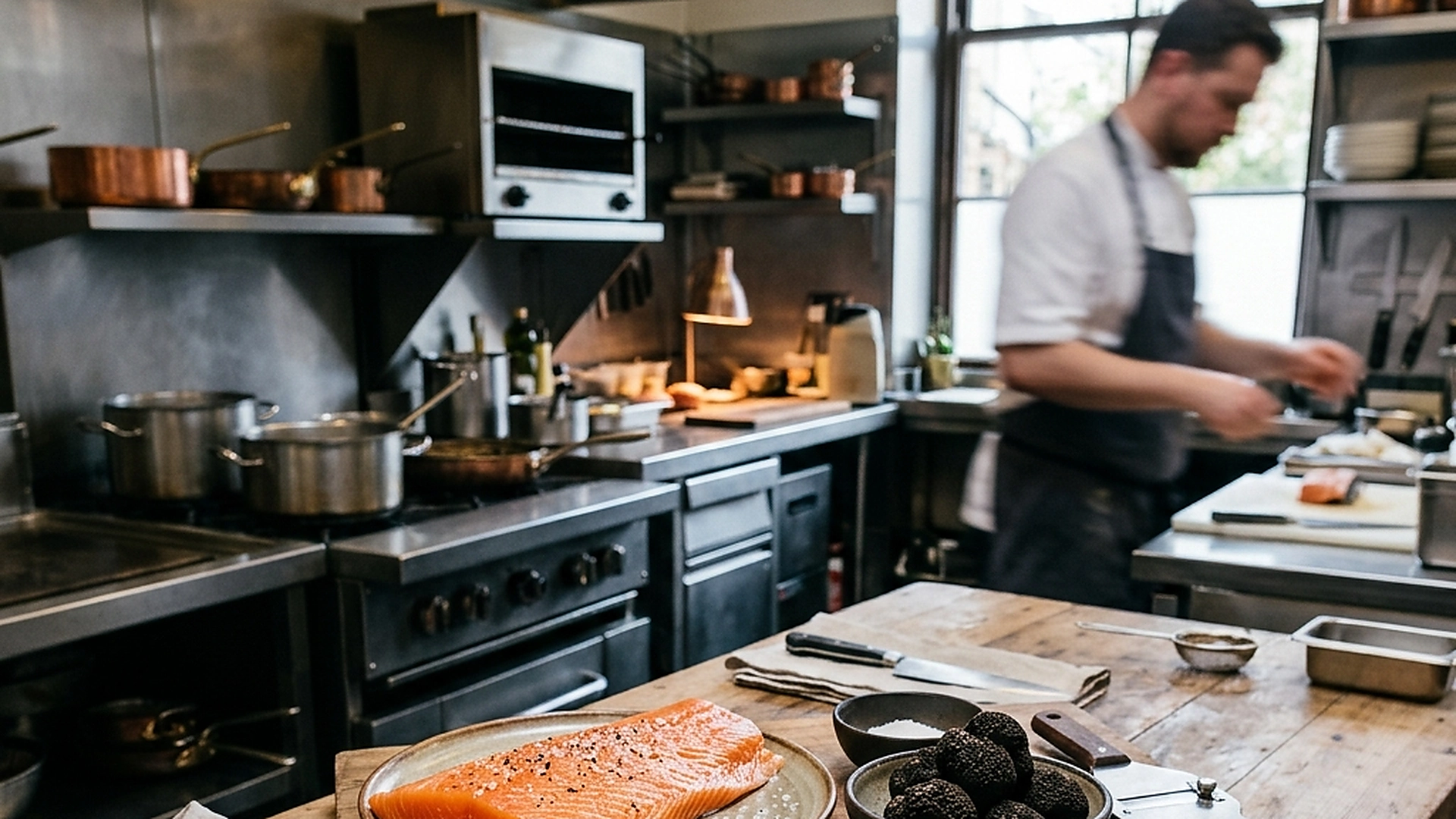
If the prep chef notices they have only three portions of sea bass left, they update the count. The admin panel adjusts the availability threshold, and the guest menu displays a "Limited Quantity" tag, shifting to "Sold Out" once the final portions are ordered.
3. Quick Toggles and Mobile Dashboard Management
During a busy dinner rush, managers do not have time to navigate complex database fields to turn off an item. The stock dashboard must be optimized for speed.
The mobile-responsive admin panel features simple status toggles next to every menu item. A manager can pull out their phone, find the dish in two taps, and switch it off. The change updates globally across all active guest screens instantly.
4. Automated Alerts and Low-Stock Warnings
Managing stock manually during a rush can lead to delays. The system should alert the team when high-volume items are running low.
Configure low-stock thresholds for key items (e.g., signature ribs or premium steaks). When stock drops below the threshold, the admin panel alerts the manager and kitchen display, allowing them to prep more or suggest alternatives before the item sells out.
5. Architectural Reliability and System Uptime
Maintaining high availability is fundamental for hospitality applications operating in real time. Redundant server infrastructure and edge replication ensure your digital menu stays active during high-volume dinner rushes without service dropouts.
6. Data Privacy, Encryption, and Security Controls
Protecting customer privacy and venue data is a core operational priority. End-to-end encryption, strict role-based permissions, and cookieless browsing standards safeguard your venue's analytics and guest interactions.
7. Measuring Long-Term Operational Impact
Evaluating long-term metrics enables continuous menu refinement. By tracking guest conversion rates, popular dish views, and average order values, venue managers can make data-driven improvements that boost revenue.
Frequently Asked Questions
What happens if a guest tries to checkout with an item that just went out of stock?
The checkout engine performs a final database stock check. If the item is sold out, the cart blocks the purchase and prompts the guest to choose another option.
Can we track individual ingredient stocks, or only finished dishes?
You can link ingredients to dishes, so that marking "avocado" as out-of-stock automatically updates all salads and burgers containing avocado.
Does the stock status reset automatically for the next day?
Yes. You can configure items to automatically reset to "in-stock" at the start of the next business day or when a new daypart starts.
Final Takeaway
granular stock control is essential for maintaining order accuracy and guest confidence. By linking kitchen prep directly to guest visibility, you run a more professional dining room and protect your team from order conflicts.