
Ditch the marker and eraser. A persistent Digital Whiteboard for Back-of-House (BOH) coordination keeps your kitchen team aligned across shifts, organizing prep tasks and shift notes in real-time.
An operational study on BOH communication, digital whiteboard design, shift handovers, and improving kitchen collaboration.
- Replace physical whiteboards with a persistent, digital shift notes display.
- Organize BOH tasks into categorized checklist columns.
- Update prep guidelines and huddle notes in real-time across shifts.
- Ensure security by restricting editing permissions to verified kitchen leads.
1. The Operational Limitations of Kitchen Whiteboards
For decades, kitchen walls have featured physical whiteboards to write prep lists, shift notes, and specials. In a busy kitchen, these notes get smudged, erased by mistake, or missed by staff arriving for the next shift, leading to communication breakdowns.
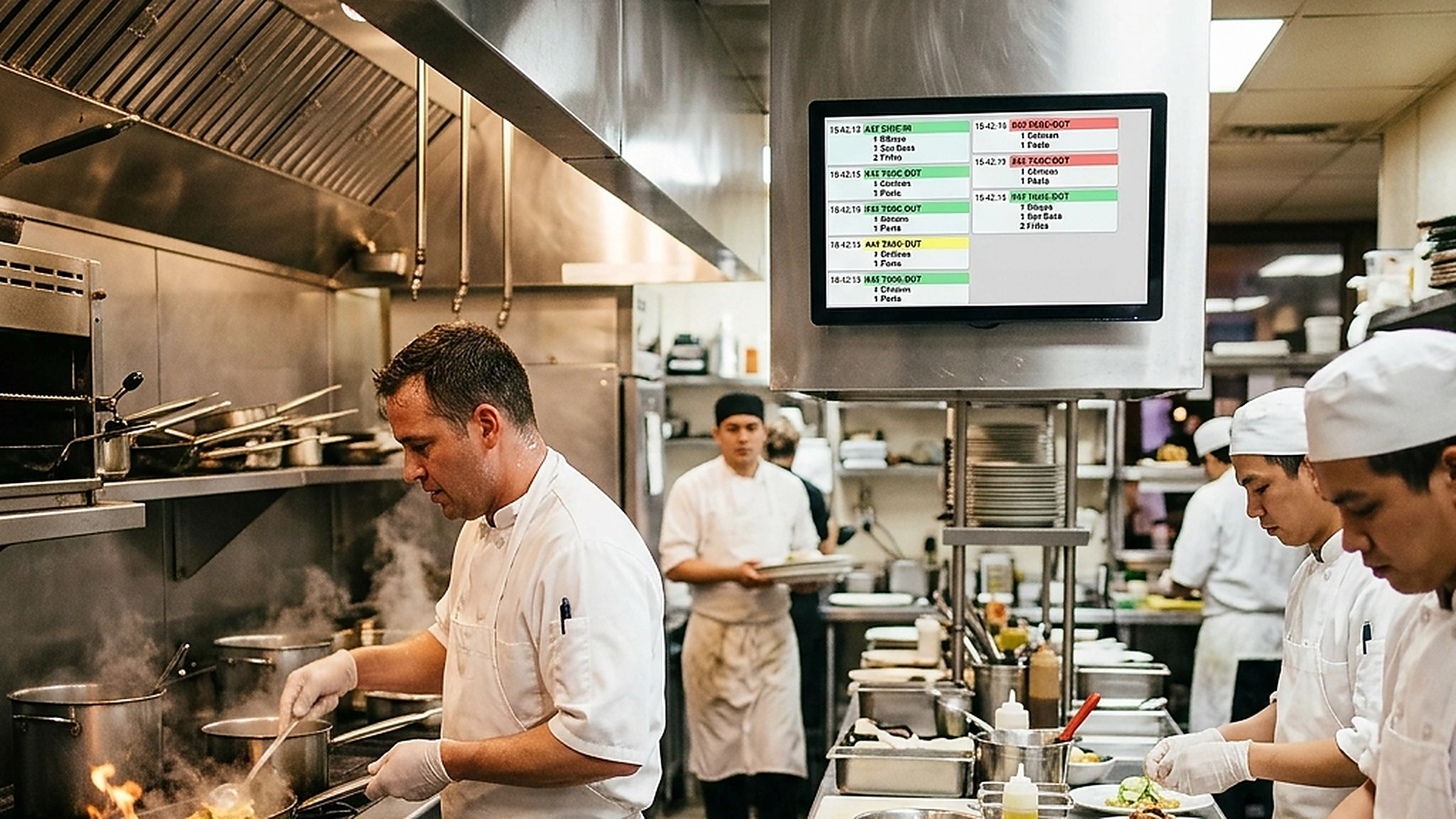
A digital whiteboard addresses these limitations. By displaying a persistent notes board on a central kitchen screen, you ensure that prep lists, chef guidelines, and shift details are readable and updated in real-time.
2. Structuring BOH Checklist Columns and Prep Tasks
Digital notes should be easy to scan. Organize the BOH board into clear columns (e.g., "Morning Prep List", "Dinner Specials", "Vendor Deliveries", "Shift Handovers").
Chefs can check off completed tasks directly on the touchscreen, updating progress instantly for the entire team and ensuring prep work is completed systematically.
3. Managing Shift Handovers and Team Huddles
Coordinating shifts is a common bottleneck in kitchen management. Important updates about equipment maintenance or ingredient shortages can get lost during busy handovers.
The digital whiteboard acts as a permanent record for shift notes. Arriving teams can review huddle notes and chef guidelines from the previous shift immediately, keeping the crew aligned and reducing communication gaps.
4. Securing whiteboard Access and Role-Based Editing
While the entire team needs to read the whiteboard, editing should be restricted to prevent unauthorized changes or clutter.
The permission system restricts editing access to kitchen leads and head chefs. Operational staff have read-only access, ensuring huddle notes and prep lists remain accurate and organized.
5. Architectural Reliability and System Uptime
Maintaining high availability is fundamental for hospitality applications operating in real time. Redundant server infrastructure and edge replication ensure your digital menu stays active during high-volume dinner rushes without service dropouts.
6. Data Privacy, Encryption, and Security Controls
Protecting customer privacy and venue data is a core operational priority. End-to-end encryption, strict role-based permissions, and cookieless browsing standards safeguard your venue's analytics and guest interactions.
7. Measuring Long-Term Operational Impact
Evaluating long-term metrics enables continuous menu refinement. By tracking guest conversion rates, popular dish views, and average order values, venue managers can make data-driven improvements that boost revenue.
Frequently Asked Questions
Does the whiteboard screen stay active all day?
Yes. KDS displays can be set to run the whiteboard as a persistent screensaver or secondary tab, keeping it visible to the team.
Can we archive previous shift whiteboards for records?
Yes. The system automatically archives whiteboard states at the end of each shift, allowing managers to review historical logs.
Is the digital whiteboard readable on waiter tablets?
Yes. The whiteboard is accessible on mobile and tablet dashboards, helping front-of-house staff stay updated on shift notes.
Final Takeaway
Digital whiteboards bring organization and clarity to kitchen communication. By centralizing prep checklists and shift notes onto secure, real-time screens, you coordinate your BOH team and run a more professional kitchen.